---
title: Accessing Infoveave
description: Accessing Infoveave
---
import { Aside,Steps } from '@astrojs/starlight/components';
# Accessing Infoveave
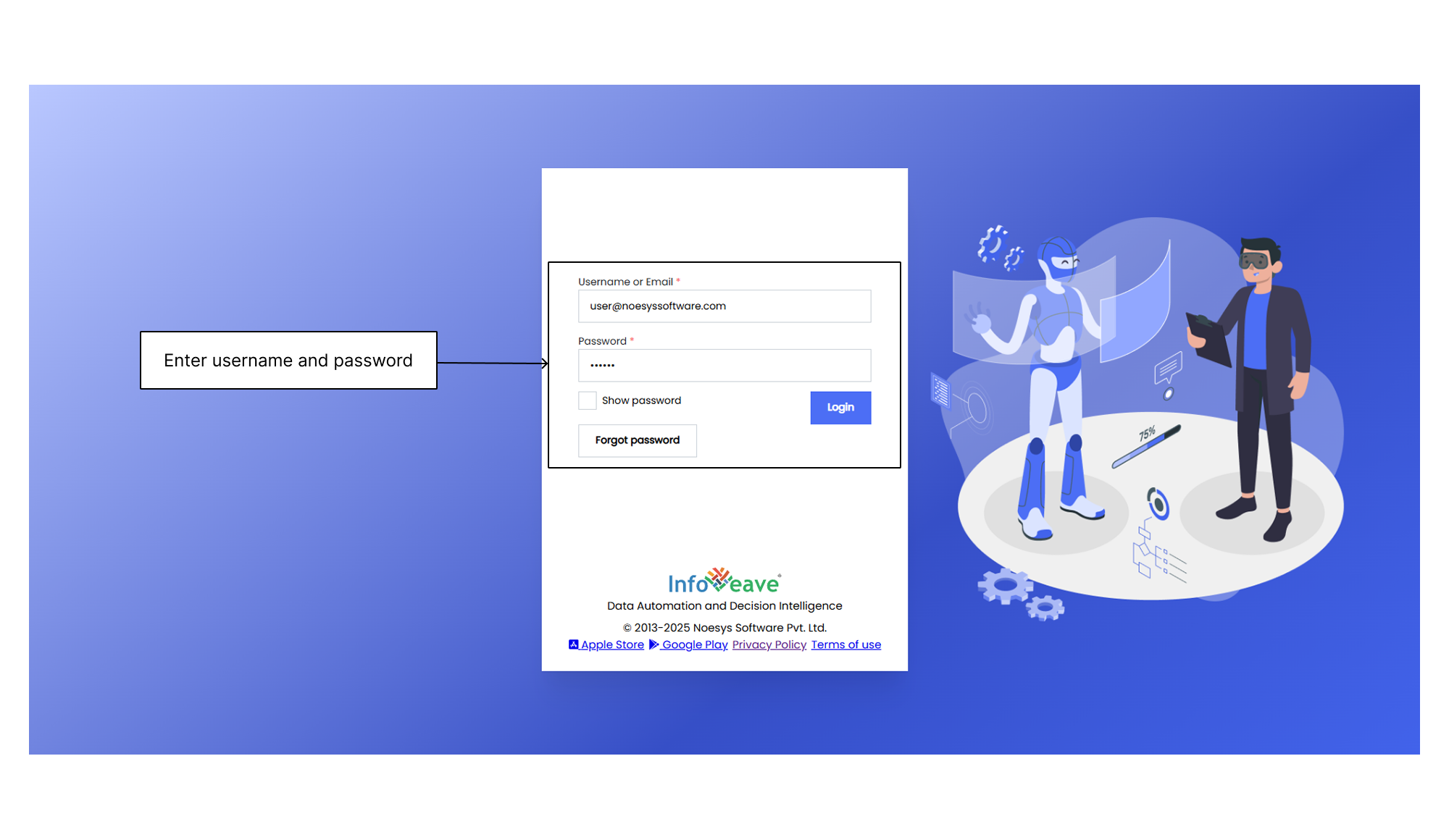
1. To access your Infoveave account, click the URL provided to you during the sign-up process with Infoveave.
2. Enter your login credentials in the appropriate fields.
3. After successfully logging in, you land on the [Quick Start](/introduction-to-infoveave/navigation/quick-start/) page.